Frequently Asked Questions | HUAWEI Smart PV Global

FAQs

Check Documents

Account issues

Device incentives

Point issues

Installer map

How to Bind Companies Between FusionSolar and Community?

How to register as an employee of an installation company and associate?

How to register and certify your installation company?

How do I register a personal account?

Enter the Smart PV Community website, select the correct Country and click Register in the upper right corner of the page to complete the registration.

How do I register a company account?

After registering a personal account, enter the Smart PV Community website and click Registration & Certification tab on the homepage.

What is the difference between an employee's personal account and a company account?

With an employee account, you can browse and view public information within the community and link to a company account.

With a company administrator account, you can browse and view company-related content, manage the company and employee accounts associated with the company, participate in incentive activities on behalf of the company, claim incentives, and manage employee FusionSolar accounts.

How do I modify or add a company administrator?

By default, the first employee account to complete the company registration becomes the administrator account for the company.

After the company account is registered, the company administrator can add or designate employee accounts from other associated companies as additional company administrators.

How do I submit an administrator authorization letter? (Website requirements differ by countries due to legal regulations)

Step 1. Download the Administrator Authorization template from the Installer Company Certification page.

Step 2. Upload the attachment after receiving the company’s written authorization. (Requirements may vary in different countries due to different legal requirements)

How can a company administrator approve an application to associate an employee account with the company?

Step 1:Click Registration & Certification tab on the homepage.

Step 2: Click Company Management > Company Members Management. The administrator can then view and review the application for the associated employee account.

How can an employee's personal account be associated with a company account?

Step 1. Click Registration & Certification tab on the homepage.

Step 2:Click Associate Installer Company, enter the installer company name or company ID.

Step 3:After the company administrator approves the application, the employee's personal account can be associated with the company.

What is the function of an employee's personal account to be associated with the company account?

After an employee's personal account is associated with the company, and if the employee passes the community exam, the employee will be automatically recorded in the system by the company. The number of certified engineers can be verified when the company upgrades.

How can a company administrator bind to the company's FusionSolar account?

Step 1: Navigate to “Registration & Certification” > “Company Management” > Click the button on the right of “FusionSolar Installation Scale” > Click “Copy Company ID and Jump”.

Step 2: After jumping to FusionSolar, log in FusionSolar admin account, and find: “System” > “Company Management” > “Company Authentication”, Click “Bind” to paste your smart PV community company ID. Search your company, and click “OK” to submit the binding application.

Step 3: Go back to smart PV community, find “FusionSolar Installation Scale” (refer to Step 1), and you will see a request To Be Approved, Click the red number to view more and click “√” to approve the binding application.

Why do company administrators need to bind to the company's FusionSolar accounts?

The installation scale of an installer company is based on the total installation volume of the FusionSolar accounts linked to the company. Therefore, establishing the mapping between the smart PV community company account and the company’s FusionSolar account is essential.

Corporate incentives are calculated automatically.

The installer company's scale is automatically verified during company upgrades.

How to cancel a company account?

1. To prevent the loss of important data such as bonus points and incentives, it is not recommended to directly cancel the company account.

2. If no bonus points or device incentives data are generated, the system now allows the registered company administrator to cancel the company account and re-register if needed. Please Click “Registration&Certification”>“my profile” > “Deregister Company” to proceed.

If the company administrator cannot be contacted, how can I become the new company administrator through an appeal?

An employee need to request to become the new administrator of the company, please click on “Registration & Certification” > “My Profile” > “Change Company Administrator,” fill in the relevant information, and upload the required company documentation to initiate the change. Once approved, you will become the new administrator of the company account.

How do I modify information such as company name and address?

1. The country, name, and registration number in the company registration information must match the details in the registration documents.

2. If you really need to modify the company name or address, you can edit the company information by navigating to “Registration & Certification” > “Company Management” > “Company Information” > “View More”.

How do I unbind an employee account from a company?

1. If you are a company employee (not a company administrator), you can disassociate the company by following these steps on your personal page: Go to "Registration & Verification" > "My Profile" > "Disassociate".

2. If you are one of the company administrators, please click “Registration & Certification” > “Company Management” > “Company Member Management”> "Cancel Administrator Permission"to revoke your administor permission. Afterward, go to “Registration & Certification” > “My Profile” > “Disassociate” to unbind from the company. The changes will take effect immediately.

3.If you are the only one administrator under your company account, you need to add another employee account of the associated company as the new administrator of the company. Then please click “Registration & Certification” > “Company Management” > “Company Member Management”> "Cancel Administrator Permission"to revoke your administor permission. Afterward, go to “Registration & Certification” > “My Profile” > “Disassociate”

How do I modify the "Country" option in my profile?

You can modify the "Country" option using the following path: Click the profile icon in the upper right corner → My Profile → Edit → Country.

Please note: If you confirm that you need to change to another country within the same region, after changing the country, all community points, events participation records, learning progress, installer engineer certificates, and personal information obtained on the current site will be deleted. Your basic personal information will be carried over to the new site to generate a new community account.

Please note: If you confirm that you need to change to a country from a different region, please first deactivate your community account ( My Profile → Disabling the Community Account Service ), then select the desired site from the community's country options. Fill in your personal information in the profile, and a new community account for the new site will be generated. All community points, event participation records, learning progress, engineer certificates, and personal information from the original site will be deleted.

How to apply for promotion incentives?

How do I learn about the rules and details of Promotion Incentives?

Check the banners on the Community homepage and click for details. For more information, you can also view the T&C of the programs.

How long does it take for the device incentives to be delivered?

The delivery period may vary in different countries. For details, see the program details.

If there is an error when applying for Promotion Incentives, how can I proceed with the manual review?

If an error message is displayed during Promotion Incentives verification, submit the required proof materials based on the provided template for manual verification.

Once the manual verification is completed successfully, the applicant company can receive the corresponding incentives.

How to earn bonus points and redeem your rewards?

What are the qualifications to participate at the Rewards Mall?

The company account that meets the following two conditions can participate at the Rewards Mall:

(1) Has been successfully certified as a Certified Installer in HUAWEI Smart PV Community.

(2) Is located in a country where the Rewards Mall is launched in the Community.

How to earn bonus points?

Installers and their legally authorized representatives who are qualified to participate in the Rewards Mall can earn bonus points by following these steps:

Step 1: Log in to the Huawei FusionSolar Smart PV Management System and add the products of your choice to your FusionSolar account.

Step 2: On the Claim More Points page, enter your FusionSolar account information and the serial numbers (SNs) of the devices that qualify for bonus points. Then, click "Submit."

The devices eligible for bonus points must meet specific criteria, including the product type, product model, installation & commission date, network access, and the country where the equipment is installed or activated.
For details about the installation & commission date, refer to the "Restrictions" section below. For details about device types and models, refer to the "Applicable Product Types" section below.

What are the installation & commission date restrictions for redeeming at the Rewards Mall?

Inverters must be installed on or after January 1, 2023; optimizers must be installed and commissioned on or after November 1, 2023; and ESS must be installed and commissioned on or after April 1, 2024.

(Please note, the details may vary depending on the country.)

What product models are eligible for redeeming bonus points?

Product Type Product Model
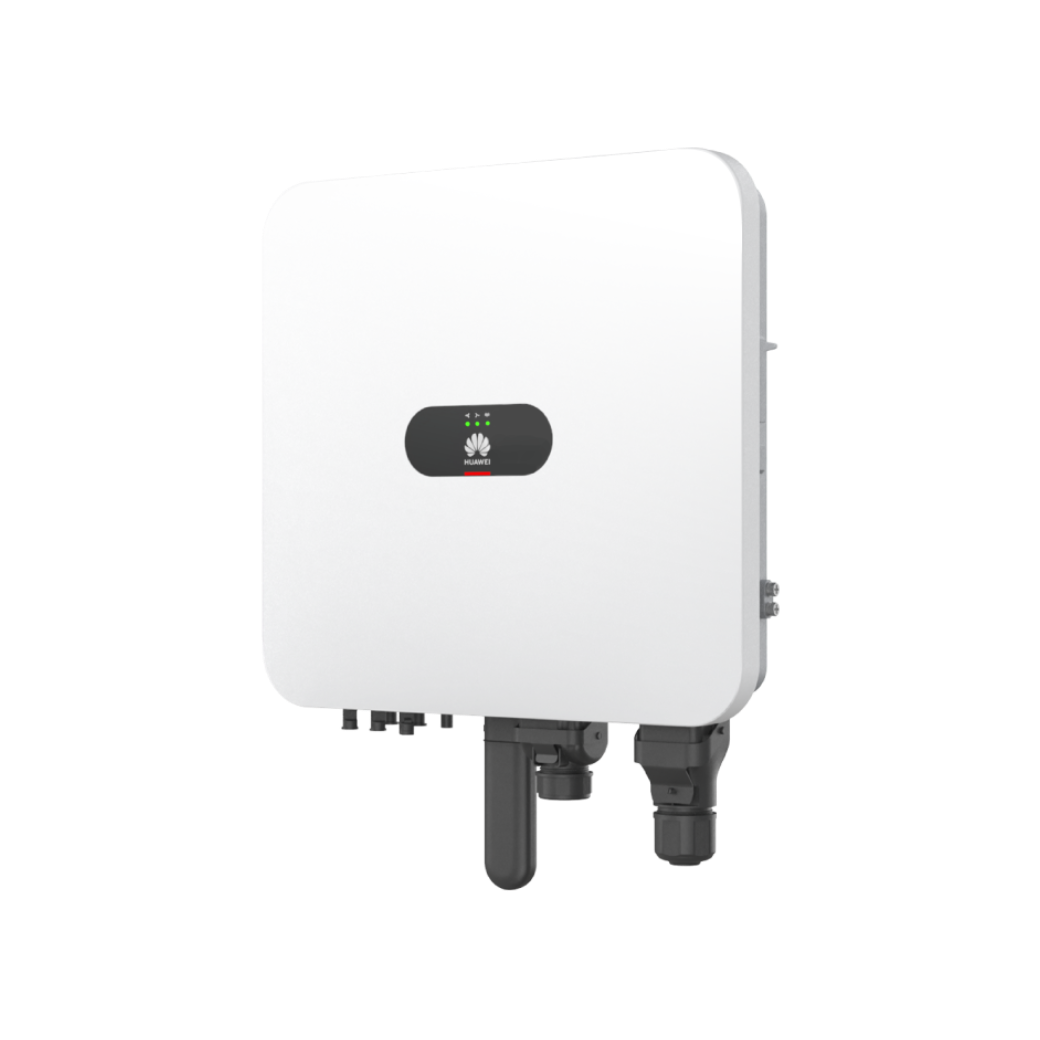
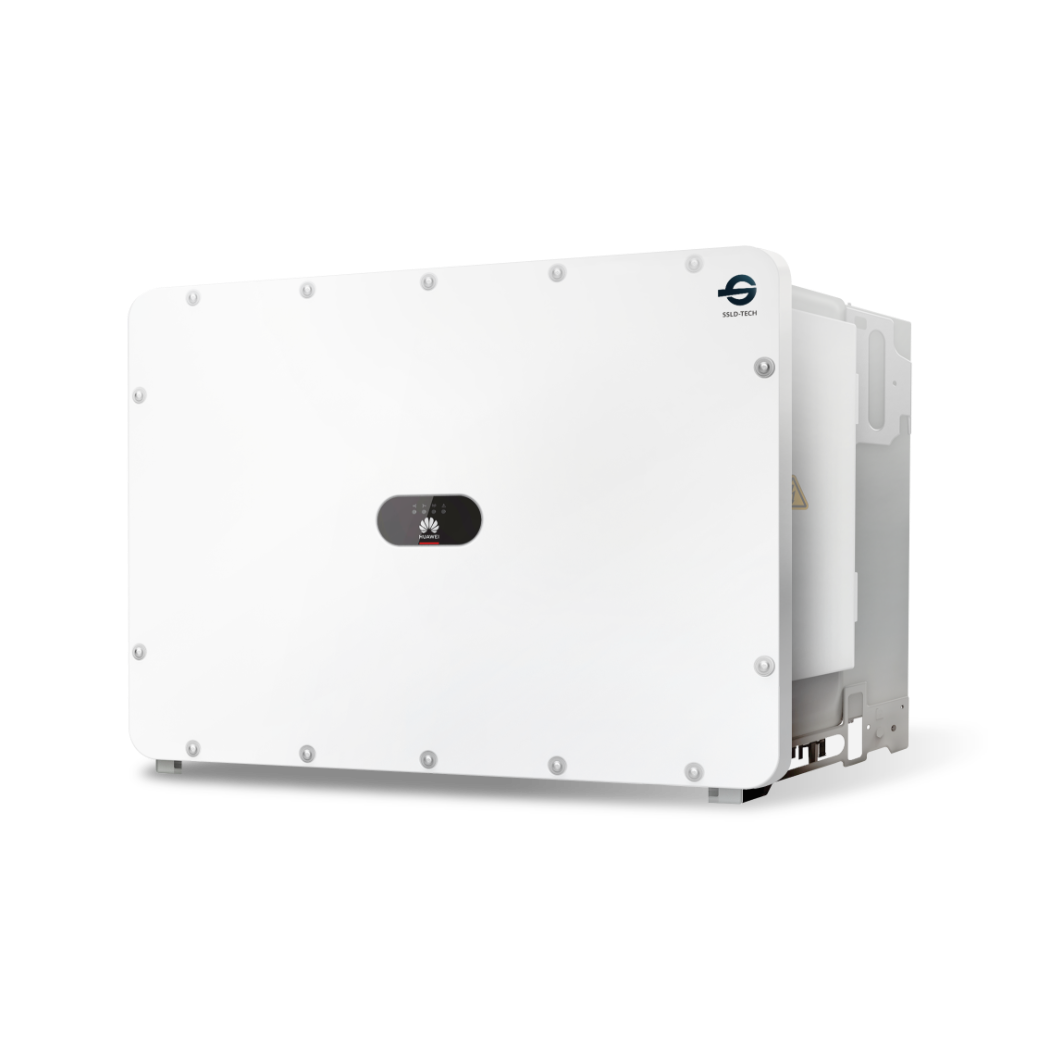
Inverter SUN2000L-2KTL, SUN2000L-3KTL, SUN2000L-3.68KTL, SUN2000L-4KTL, SUN2000L-4.6KTL, SUN2000L-5KTL, SUN2000L-2KTL-L0, SUN2000L-3KTL-L0, SUN2000L-4KTL-L0, SUN2000L-5KTL-L0, SUN2000-2KTL-L1, SUN2000-3KTL-L1, SUN2000-3.68KTL-L1, SUN2000-4KTL-L1, SUN2000-4.6KTL-L1, SUN2000-5KTL-L1, SUN2000-6KTL-L1, SUN2000-3KTL-M0, SUN2000-4KTL-M0, SUN2000-5KTL-M0, SUN2000-6KTL-M0, SUN2000-8KTL-M0, SUN2000-10KTL-M0, SUN2000-12KTL-M0, SUN2000-15KTL-M0, SUN2000-17KTL-M0, SUN2000-20KTL-M0, SUN2000-3KTL-M1, SUN2000-4KTL-M1, SUN2000-5KTL-M1, SUN2000-6KTL-M1, SUN2000-8KTL-M1, SUN2000-10KTL-M1, SUN2000-12KTL-M1, SUN2000-8KTL-M2, SUN2000-10KTL-M2, SUN2000-12KTL-M2, SUN2000-15KTL-M2, SUN2000-17KTL-M2, SUN2000-20KTL-M2, SUN2000-12KTL-M5, SUN2000-15KTL-M5, SUN2000-17KTL-M5, SUN2000-20KTL-M5, SUN2000-25KTL-M5, SUN2000 -MAP0
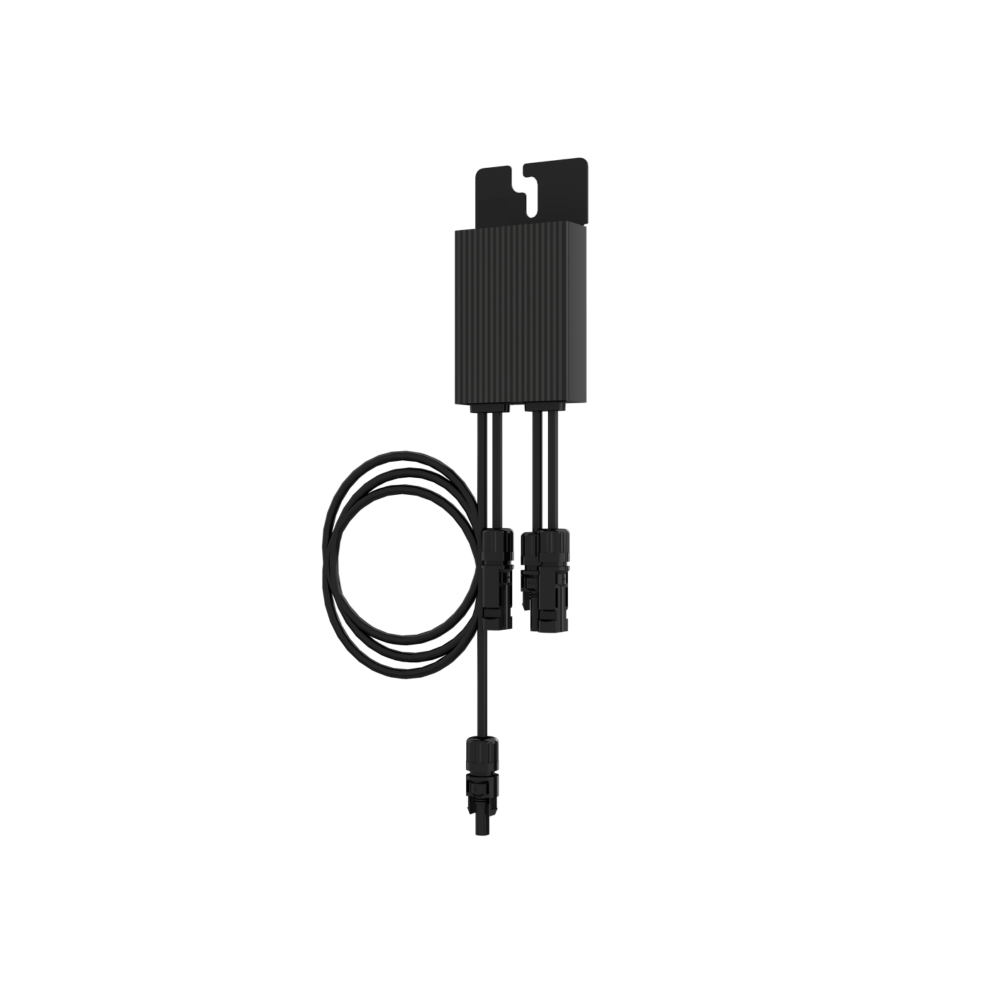
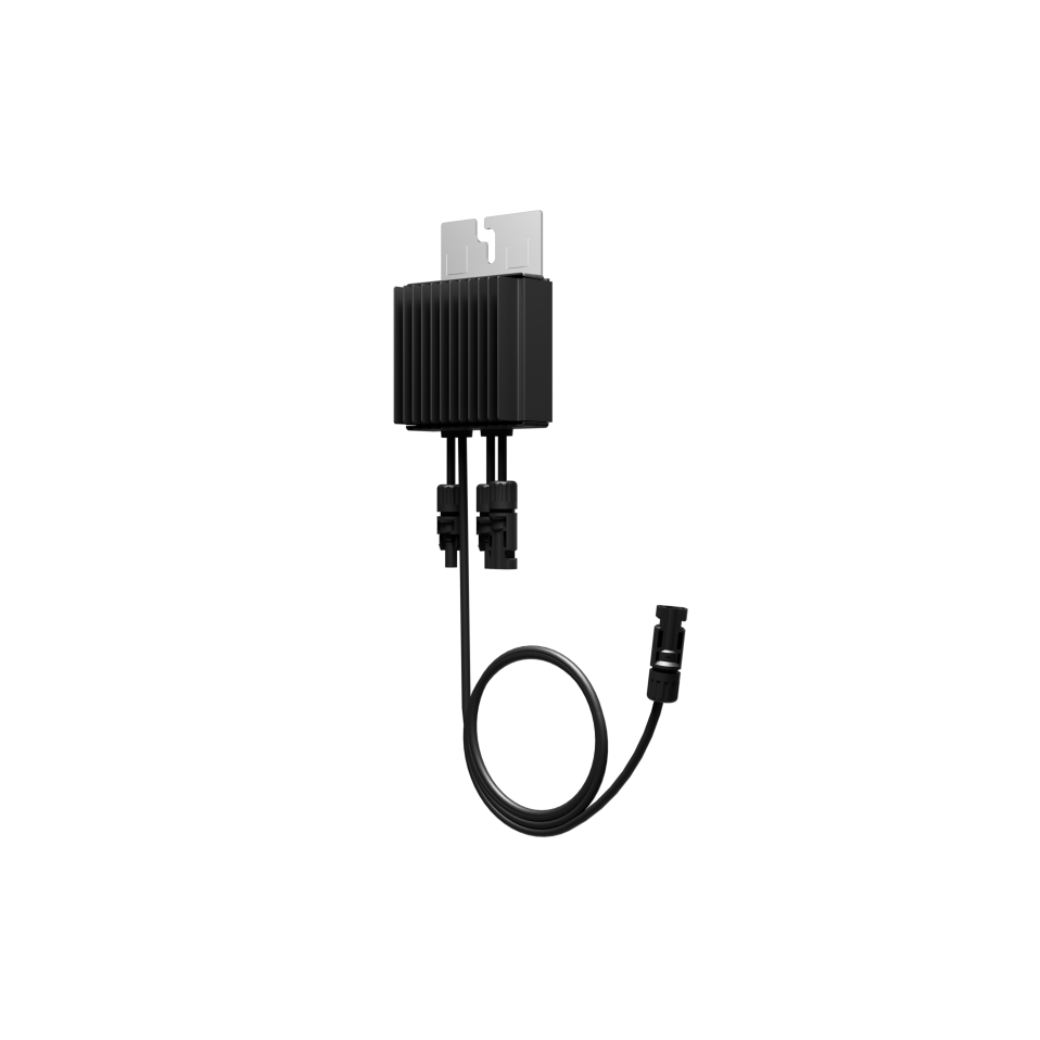
Optimizer SUN2000P-375W, SUN2000-450W-P, SUN2000-450W-P2, SUN2000-600W-P, MERC-1100W-P, MERC-1300W-P
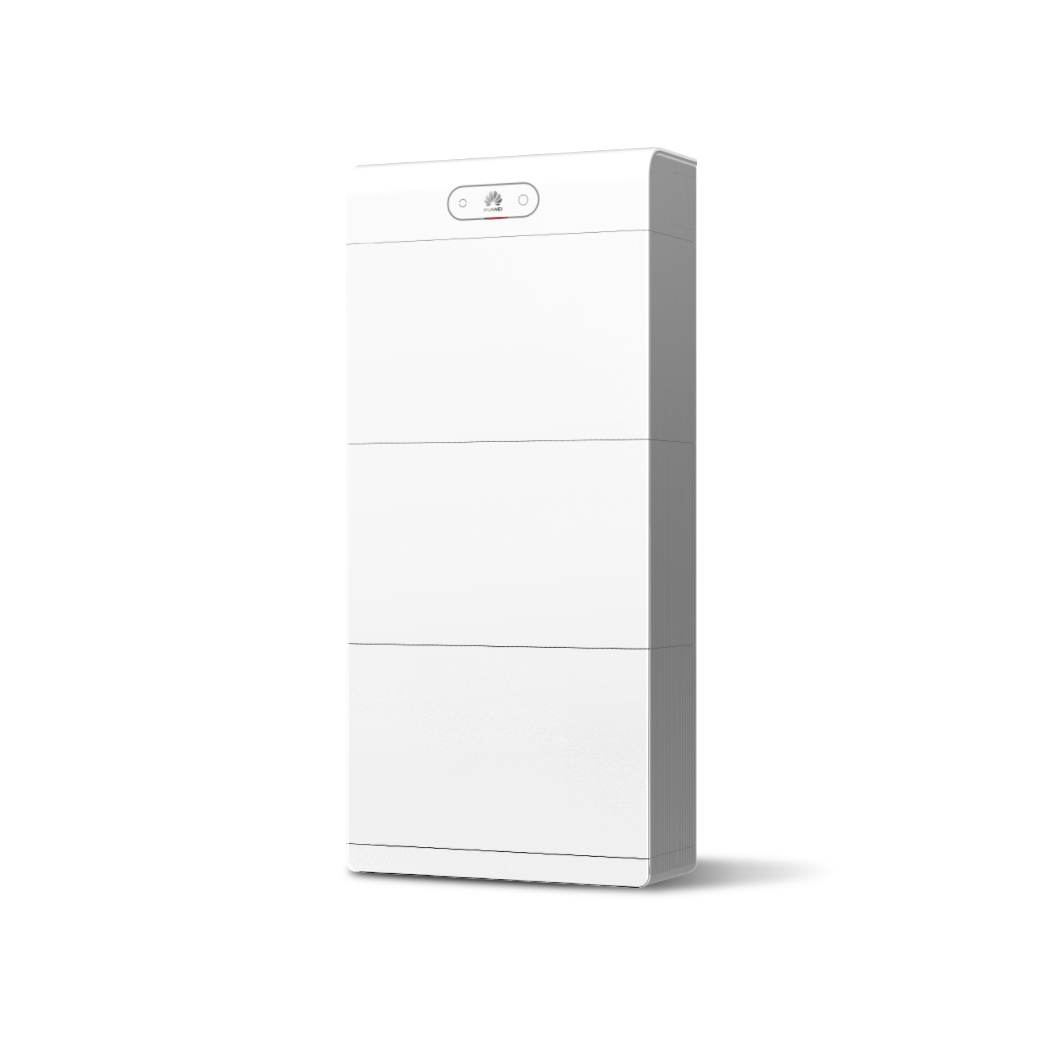
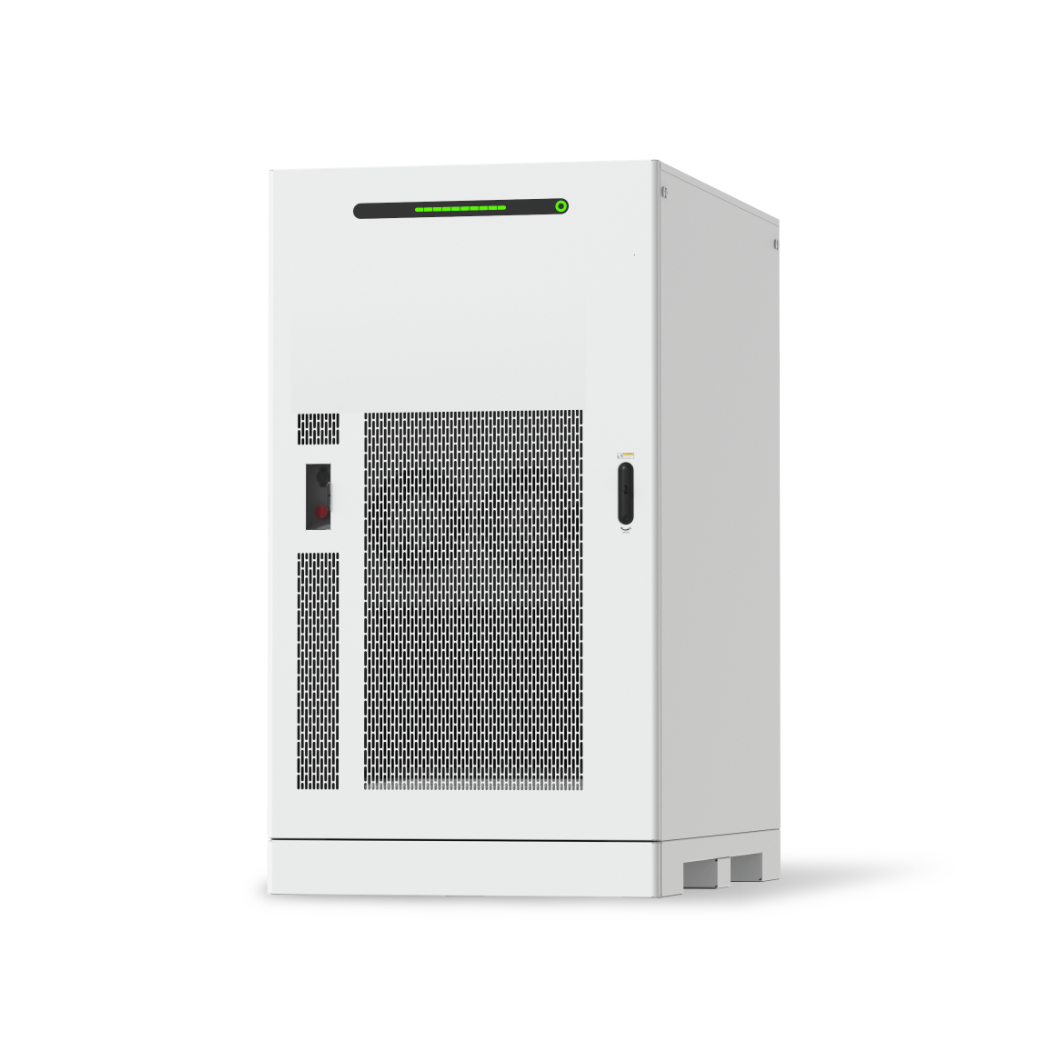
ESS LUNA2000-5-E0, LUNA2000-S1

What are the rules for accumulating bonus points?

In the Huawei Smart PV Management System, add the products that meet the bonus point criteria to your FusionSolar account.

(Path: Setup Wizard > Scan to Create Plant > Add Plant or Connect to Existing Plant on the Huawei FusionSolar app.)

Then, on the Claim More Points page, enter the FusionSolar account information and the serial numbers (SNs) of the eligible devices. Bonus points will be awarded based on the company's certification level in the Loyalty Installers Program.

The details are as follows:

Certified Installers can earn 1.0x Factor Points based on the following rules:

· 10 points for every 1000 watts of installed Huawei inverter. For example, installing a Huawei inverter SUN2000-20KTL-M2 earns 200 points.

· 2 points for each installed Huawei optimizer.

· 10 points for every 1000 watts of installed Huawei ESS.

Preferred Installers can earn 1.1x Factor Points based on these rules:

· 11 points for every 1000 watts of installed Huawei inverter. For example, installing a Huawei inverter SUN2000-20KTL-M2 earns 220 points.

· 2.2 points for each installed Huawei optimizer.

· 11 points for every 1000 watts of installed Huawei ESS.

Elite Installers can earn 1.2x Factor Points according to the following rules:

· 12 points for every 1000 watts of installed Huawei inverter. For example, installing a Huawei inverter SUN2000-20KTL-M2 earns 240 points.

· 2.4 points for each installed Huawei optimizer.

· 12 points for every 1000 watts of installed Huawei ESS.

Huawei reserves the right to modify the bonus point accumulation rules for each of the above products at any time.

How can you use and manage your bonus points effectively?

(1) Validity period of bonus pointss

Points earned before July 17, 2024, will expire on July 16, 2025, and points earned after July 17, 2024, will expire after 12 months.

If Huawei ends the program, participants will be notified via email, SMS, or other means to redeem their points within the specified timeframe. Failure to redeem points within the given time will be considered as forfeiting the points and redemption rights.

(2) Bonus point usage

The bonus points accumulated by community participants cannot be transferred, given to others, or circulated in any other way.

Bonus reward points can be redeemed for gifts provided in the Community's Rewards Mall.

(3) Bonus point cancellation

If a participant earns bonus points through rule violations or improper means (including but not limited to cheating, score manipulation, system disruption, or exploiting vulnerabilities), Huawei reserves the right to cancel all or part of the points in the participant's account, depending on the severity of the violation. If points have already been redeemed, Huawei may require the participant to return any gifts received through the bonus points.

What does it mean when the system displays the message “The management permission of the FusionSolar account on the device SN cannot be queried. Please check and try again.” during the bonus point collection process?

Please ensure that the FusionSolar account in My Profile is correct.

If you do not know your FusionSolar account, please log in to the FusionSolar system. Your FusionSolar account is displayed in the upper right corner of the system. Ensure that the product SN is bound to your FusionSolar account. Otherwise, bonus points cannot be redeemed.

Why was the bonus points request unsuccessful?

Please review the following details:

1. Check whether the FusionSolar account entered on Claim More Points page is correct.

2. Check whether the product model SN applied is eligible.

3.In the FusionSolar system, make sure the commissioning user associated with the product is your FusionSolar account.

What does it mean when the system displays the message "The product system cannot find the warranty information of the product" during the bonus point collection process?

Your device may not be registered in the product system. Please provide your product SN, FusionSolar account information, and a description of the issue via the Feedback platform at the bottom right corner of the Community homepage, or email us at installercert@huawei.com.

How to join the installer map?

Certified companies and above can apply to join the installer map. You can apply through the following entry points:

1. On the homepage, click the "Apply to Join" button in the "Installer Map" module.

2. Navigate to “Registration & Certification” > “Company Management”> “Company Information” > “Installer Map” and click the “Apply for Joining".

3. On the community certification page for becoming a Certified Level Installer Company, select the“I apply to join the Installer Map to increase sales opportunities‘’.
If your certification is approved, your company will be automatically added to the Installer Map.