Порівняння продуктів
SmartDesign 2.0
SmartPVMS
Завантажити мобільний застосунок FusionSolar
Пошук інсталятора
Пошук дистриб’ютора
Спільнота інсталяторів
Історії успіху
Віртуальний зал досвіду
Знайомство з партнерами
Power-Partner
Power-Marketing
Стати партнером
Онлайн-підтримка
Сервісна гаряча лінія
Запит щодо гарантії
Запит щодо запасних частин
Документ про продукт
Помічник з енергоменеджменту
Відео з монтажу обладнання
FAQ
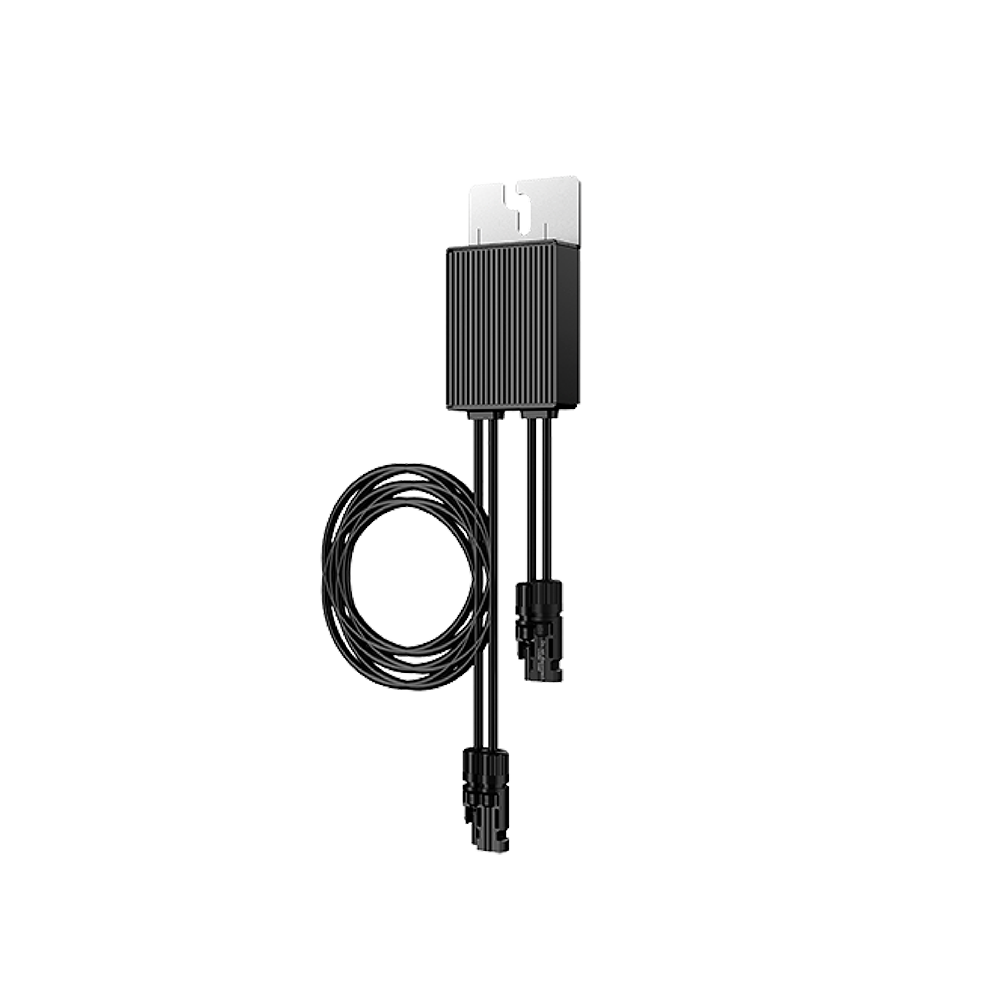
Perform disconnection detection on optimizers and locate the disconnected ones.
Method 1: Disconnection Detection on the FusionSolar App >
Method 2: Disconnection Detection on the WebUI of the FusionSolar SmartPVMS >
Method 3: Disconnection Detection on the Local Device Commissioning Screen >
When the output is disconnected or the inverter shuts down, the optimizer can adjust the module output voltage to a safe range to ensure the safety of the construction and O&M personnel as well as firefighters.
Method 1: Turn off the AC switch between the inverter and the power grid. >
Method 2: Turn off the DC switch on the inverter. >
Method 3: Connect a switch to the DI and GND ports of the inverter to form a circuit. (For details about which DI port is used, see the corresponding inverter user manual.) The switch is turned on by default. Turn off the switch to trigger a rapid shutdown. >
Replacing an Optimizer (on the FusionSolar App) >
Replacing an Optimizer (on the Local Device Commissioning Screen) >
Checking the PV string resistance >
Disconnection Detection
Rapid Shutdown
Replacing an Optimizer
Checking the PV string resistance
Спільнота
Дізнатися більше
Smart Design